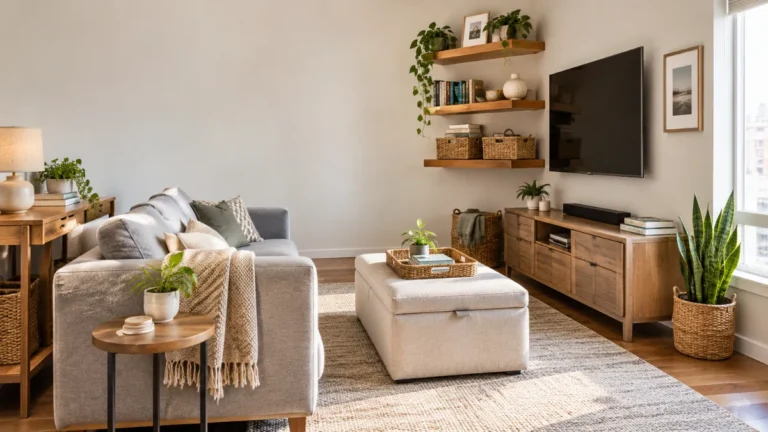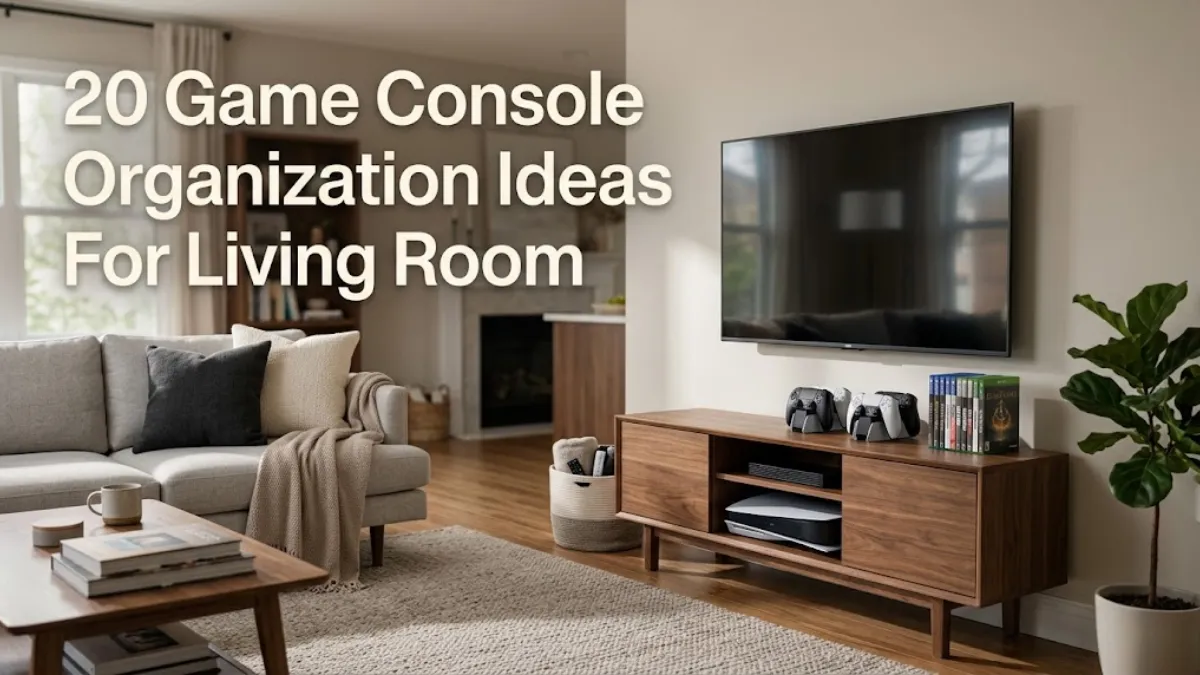
20 Game Console Organization Ideas For Living Room
A game console can quickly turn a neat living room into a tangle of controllers, cables, games, and accessories. The challenge is keeping everything easy to reach without making the entertainment area look like a dedicated gaming station. These 20 Game Console Organization Ideas For Living Room spaces help you create a setup that feels organized, attractive, and comfortable for everyday use.
1. Media Console With Closed Cabinets
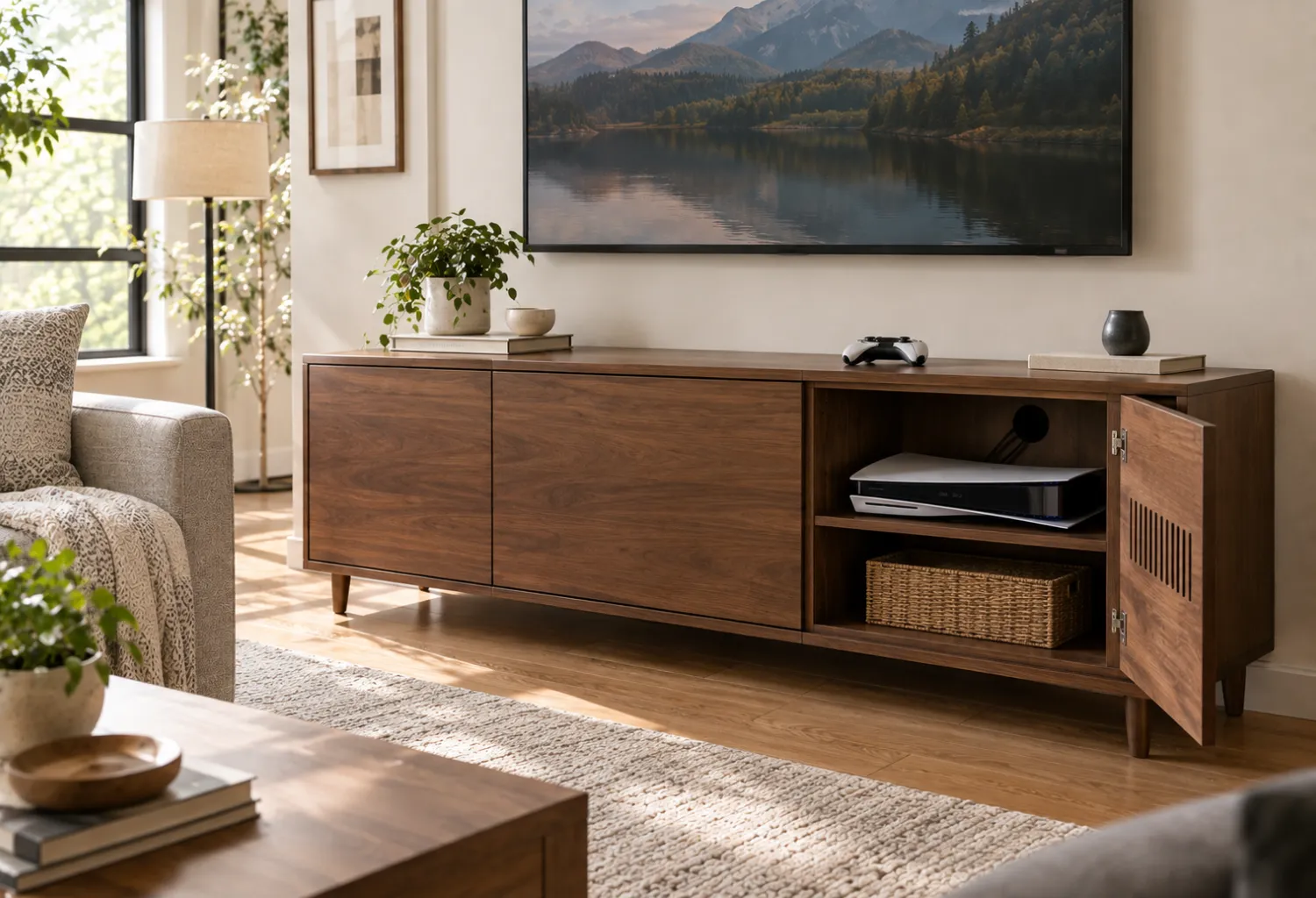
A media console with doors is one of the easiest ways to hide gaming equipment when it is not being used. Choose a piece with enough interior depth for your console, controllers, and games without forcing everything together.
Look for cabinets with ventilation openings or an open back so heat can escape and cables can reach the television. A walnut, oak, or painted console can also blend naturally with your existing living-room furniture instead of looking overly technical.
2. Open Media Shelf for Easy Access
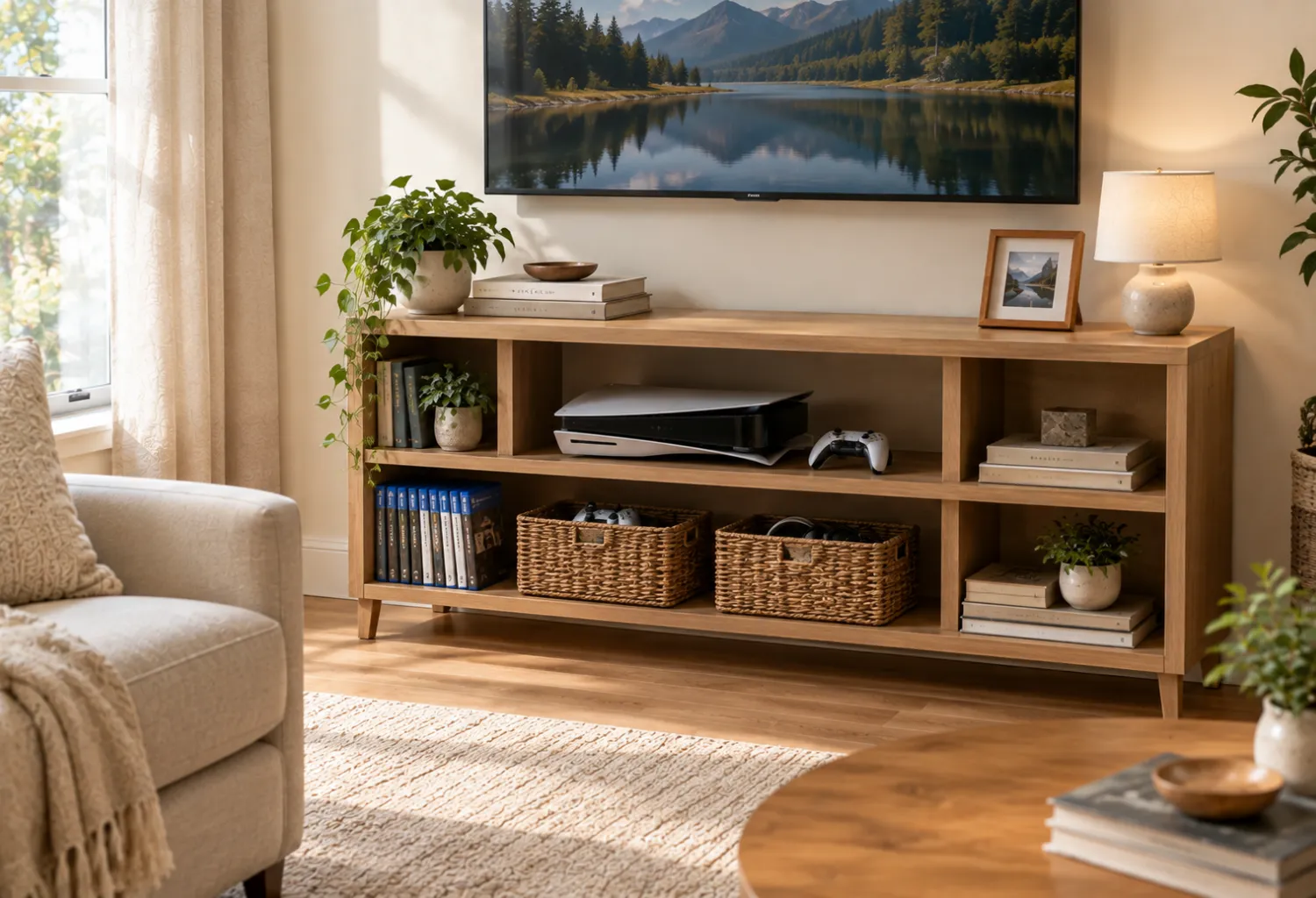
Open shelving works especially well when the console is used frequently. Place the gaming system on a sturdy middle shelf with enough clearance around it for airflow.
Use the lower shelves for game cases, controllers, and accessories. Matching baskets can hide smaller items while keeping the overall arrangement visually calm. This approach suits modern, Scandinavian, and contemporary living rooms where clean lines are part of the decor.
3. Floating Media Cabinet
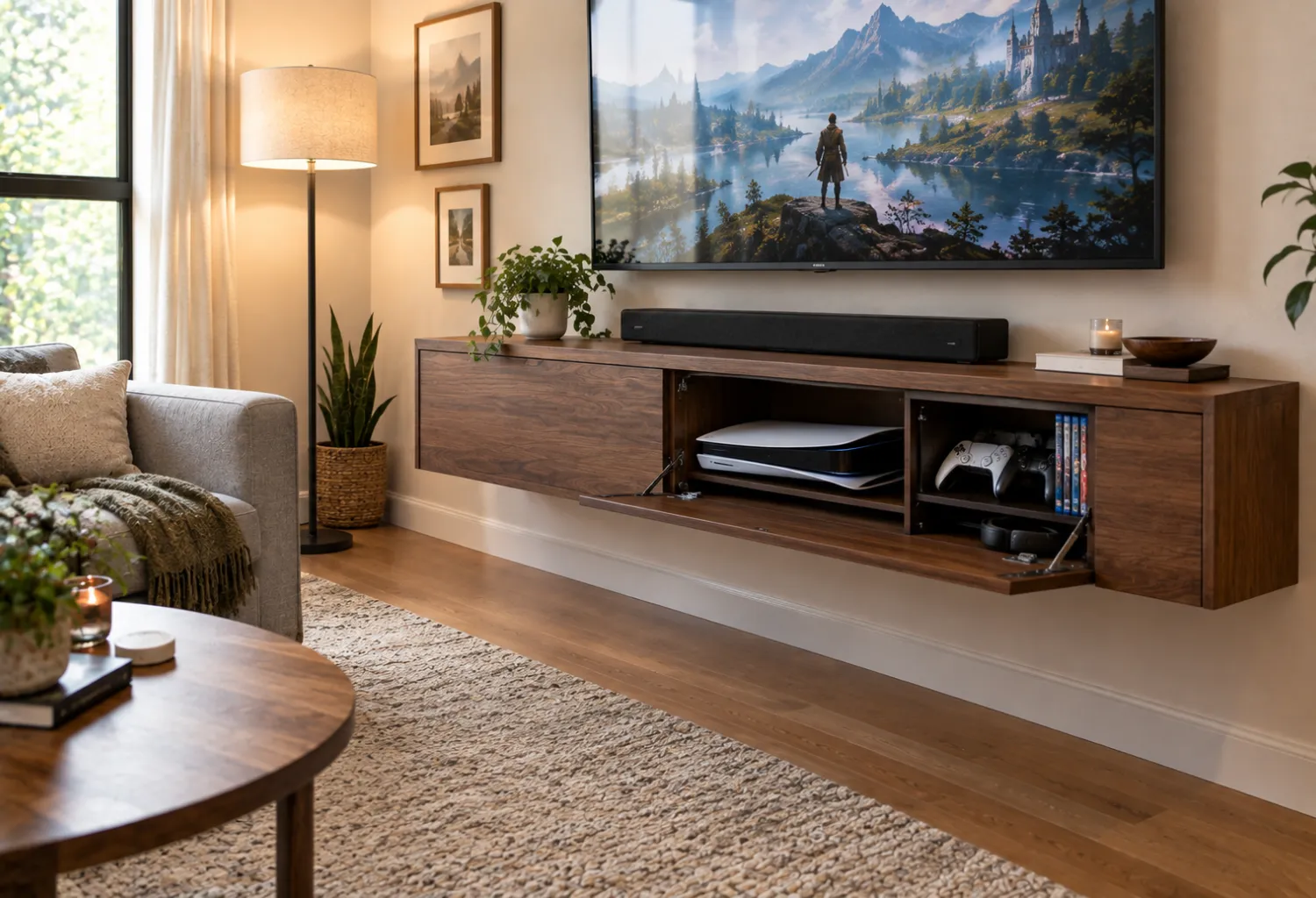
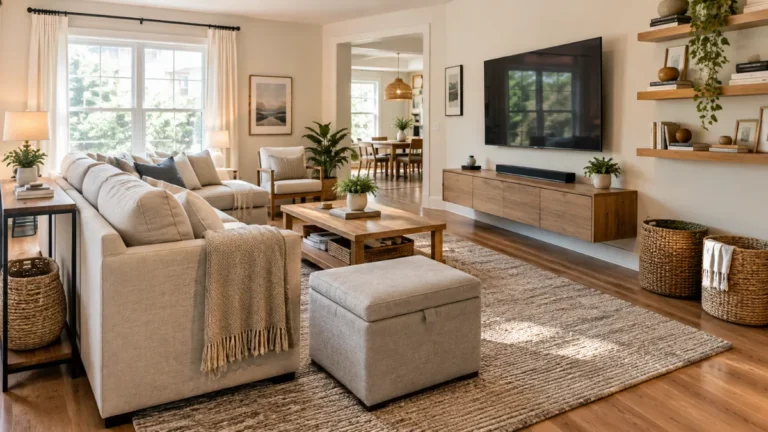
A floating cabinet keeps the floor underneath the television visually open while providing concealed storage for gaming equipment.
Mount it at a comfortable height beneath the TV and use the interior for consoles, controllers, headsets, and charging cables. The open floor makes vacuuming easier and can make a smaller living room feel less crowded.
4. Controller Charging Station
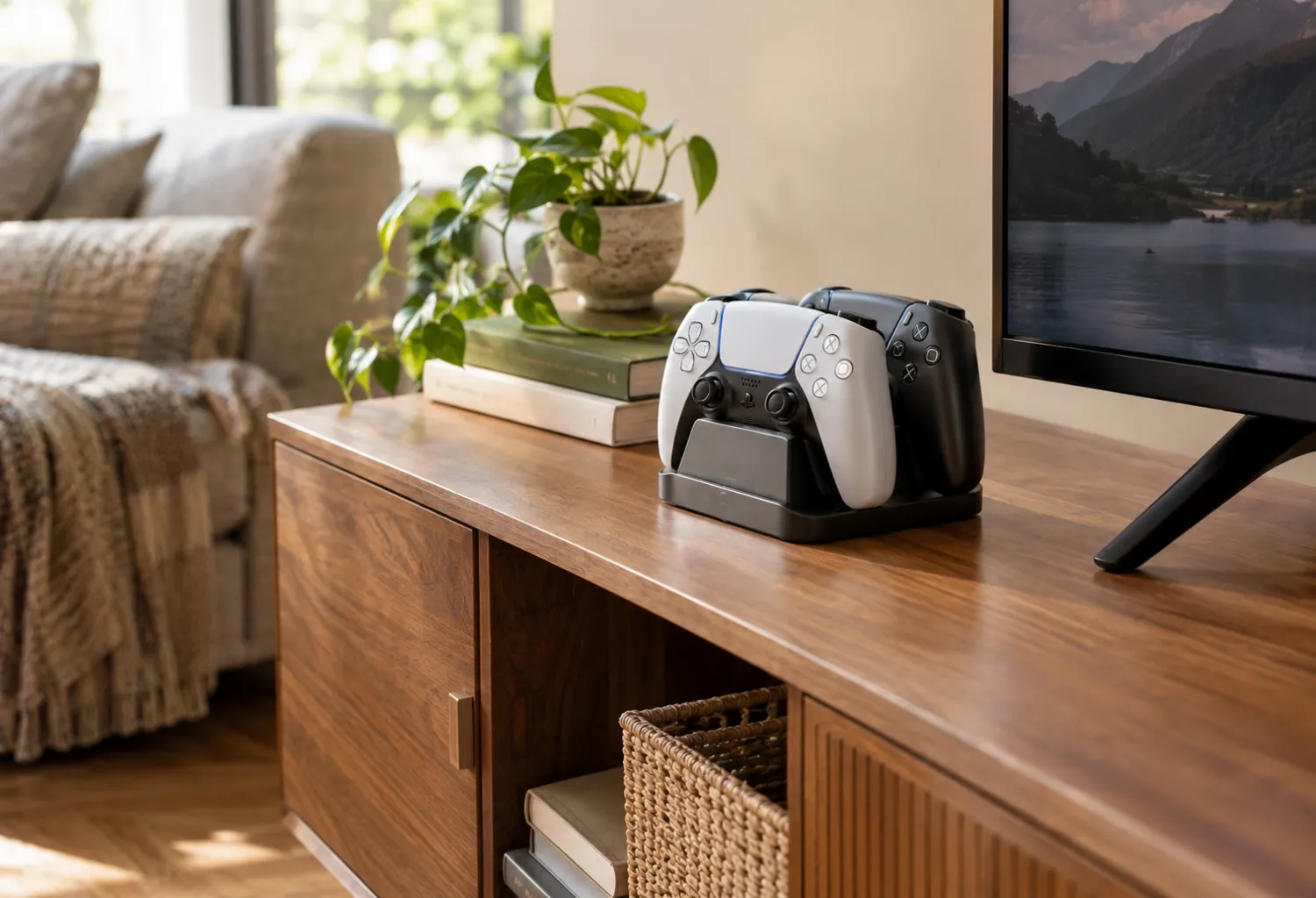
Controllers tend to become the most noticeable source of gaming clutter. Give them a dedicated charging station instead of leaving them on the coffee table or sofa.
A small charging dock can sit inside an open media cabinet or on a narrow shelf beside the television. When several controllers are stored vertically in one place, the entertainment area immediately looks more intentional.
5. Woven Baskets for Gaming Accessories
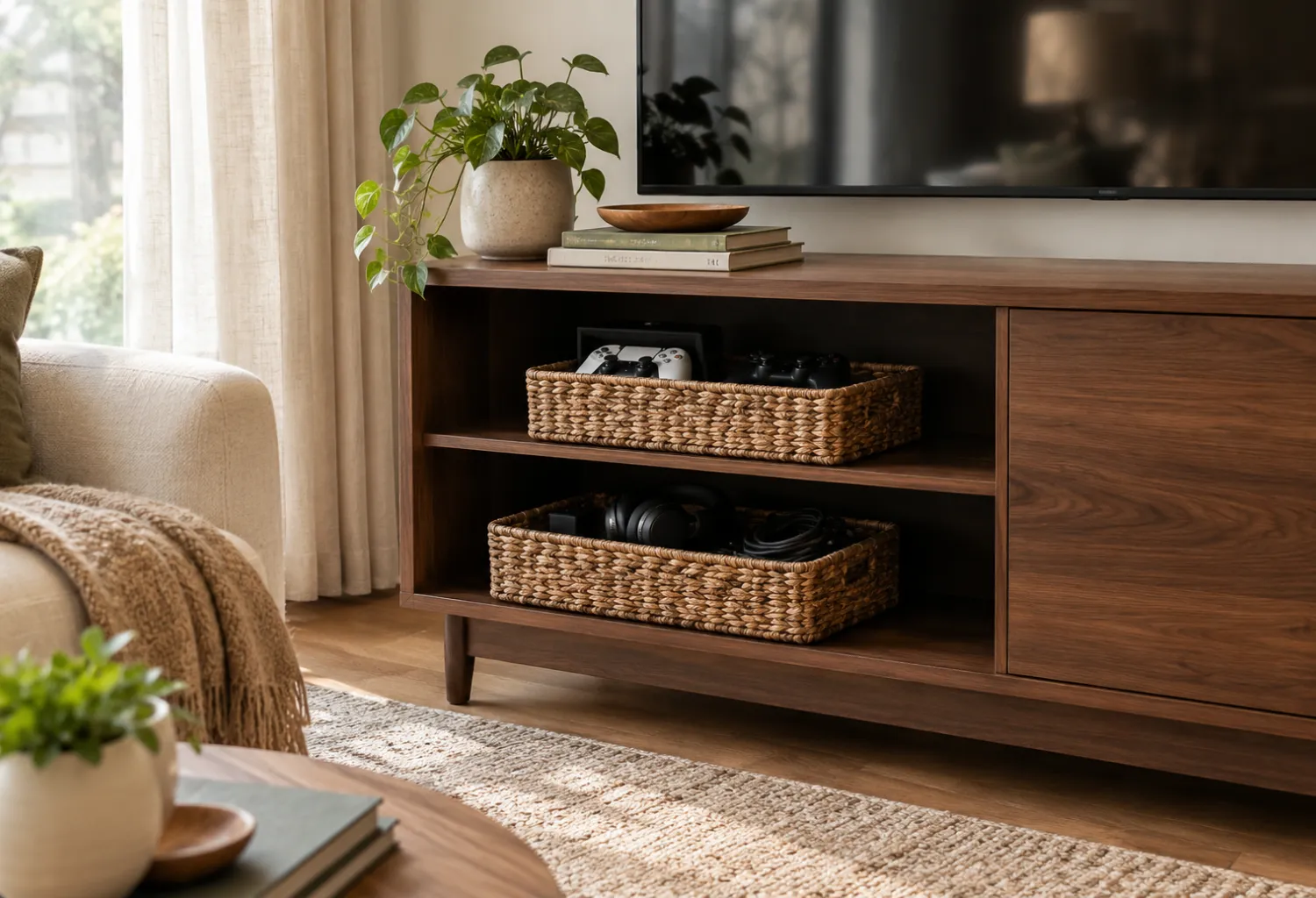
Woven baskets are useful when you want gaming storage to look like part of the living-room decor.
Choose one basket for controllers and another for headphones, charging cables, remotes, and smaller accessories. Natural water hyacinth, seagrass, or rattan adds warmth beside wood furniture and soft upholstery.
For a polished look, keep the baskets similar in color and size rather than mixing several unrelated styles.
6. Labeled Storage Bins
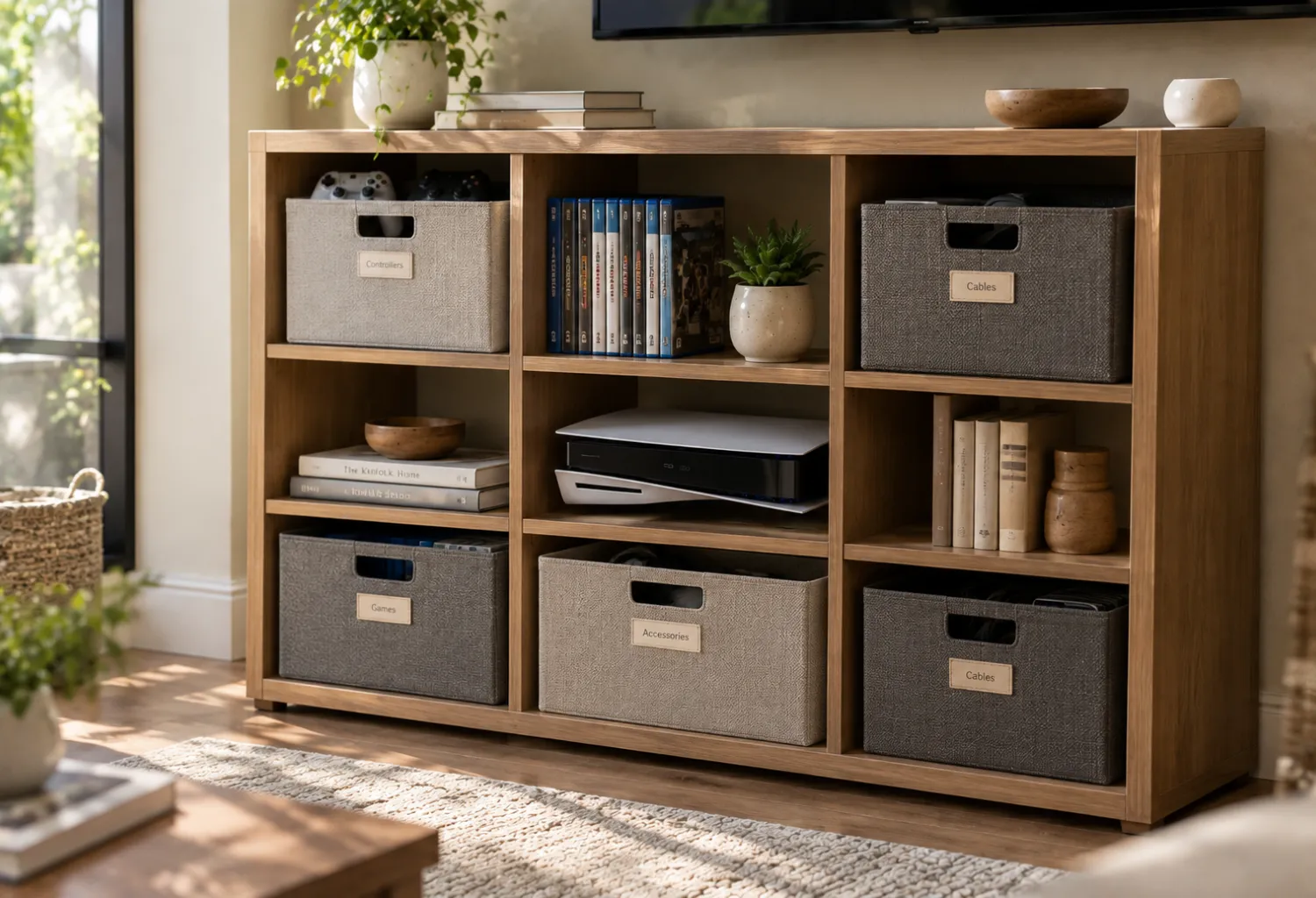
Small storage bins can prevent different gaming accessories from becoming one large miscellaneous pile.
Use separate bins for controllers, cables, handheld accessories, games, and cleaning supplies. Simple labels make the system easier for children and adults to maintain.
Neutral fabric or plastic bins work particularly well inside cube shelving because they keep the storage area visually consistent.
7. Vertical Game Case Storage
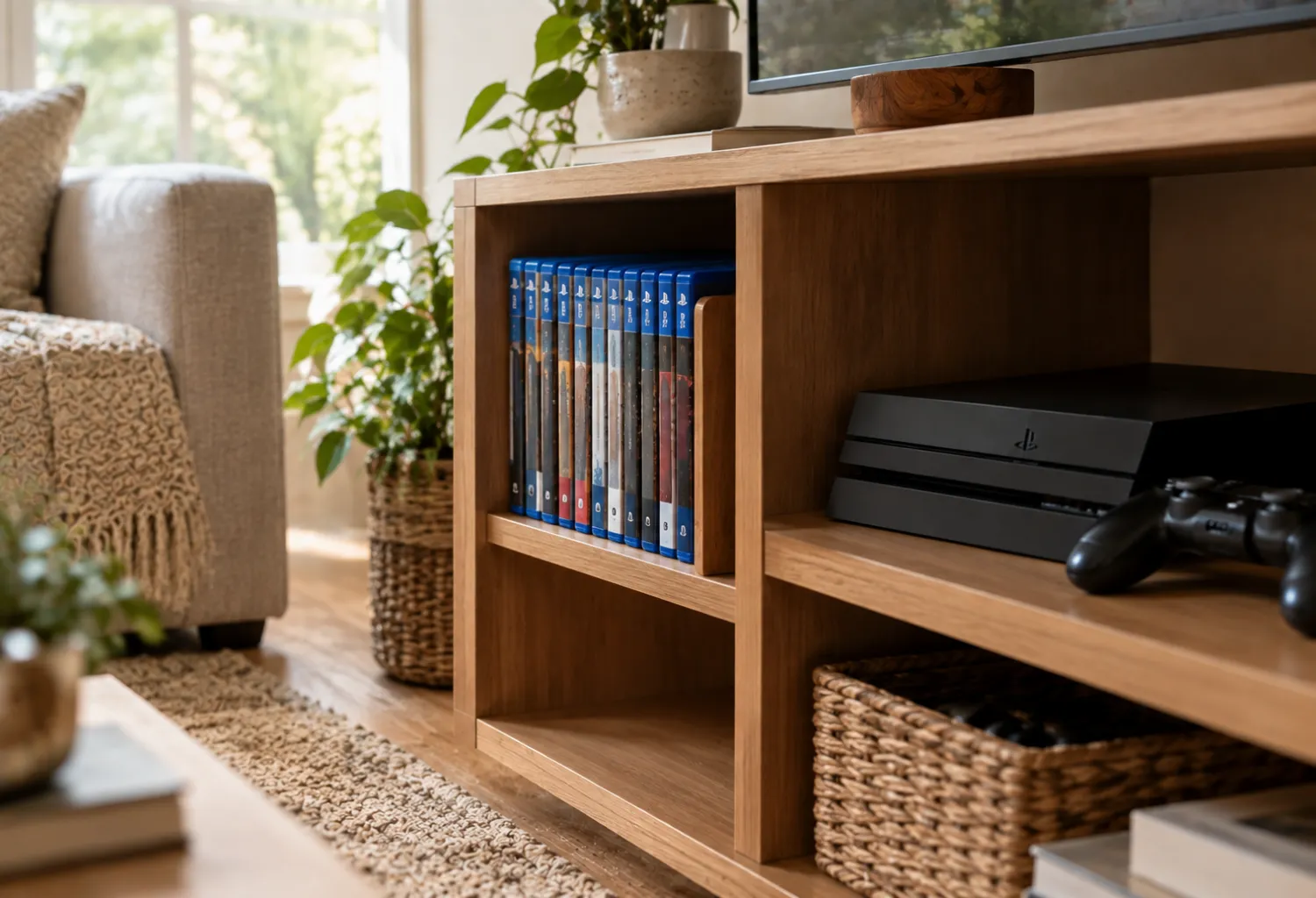
Game cases take up surprisingly little space when stored vertically instead of scattered across shelves.
Use a narrow divider or adjustable shelf to keep cases standing upright. Arrange them by console or organize them alphabetically if you have a larger collection.
A dedicated section also makes it much easier to spot a missing case when you are finished playing.
8. Console Drawer With Cable Management
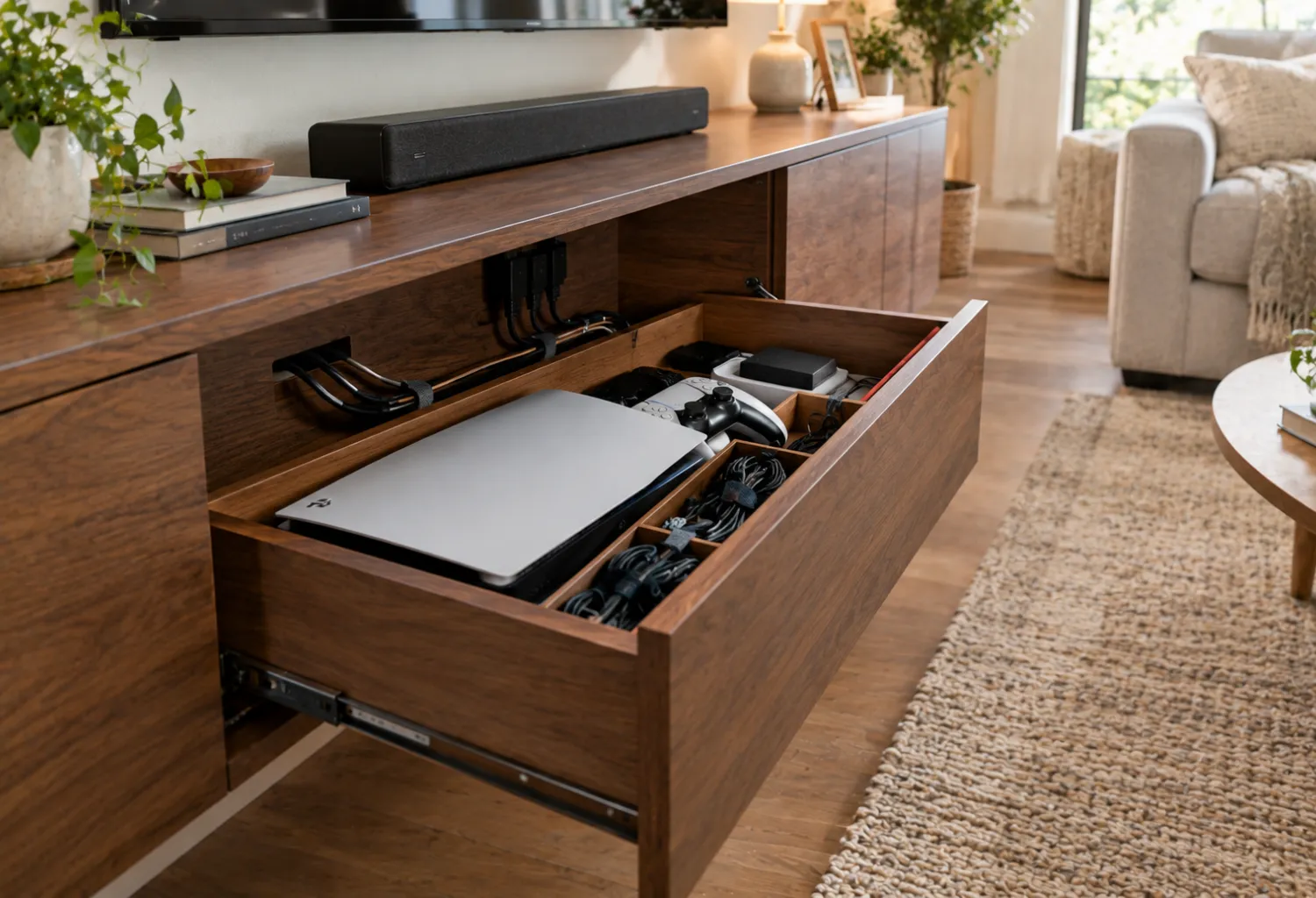
A deep drawer can create an almost invisible gaming station inside a media cabinet.
Install or use a cabinet with a rear cable opening so power and HDMI cables can pass through without leaving the drawer open. Add a small cable box or clips inside to prevent cords from sliding behind the furniture.
Make sure the console has sufficient ventilation if you plan to operate it inside an enclosed compartment.
9. Pegboard Gaming Wall
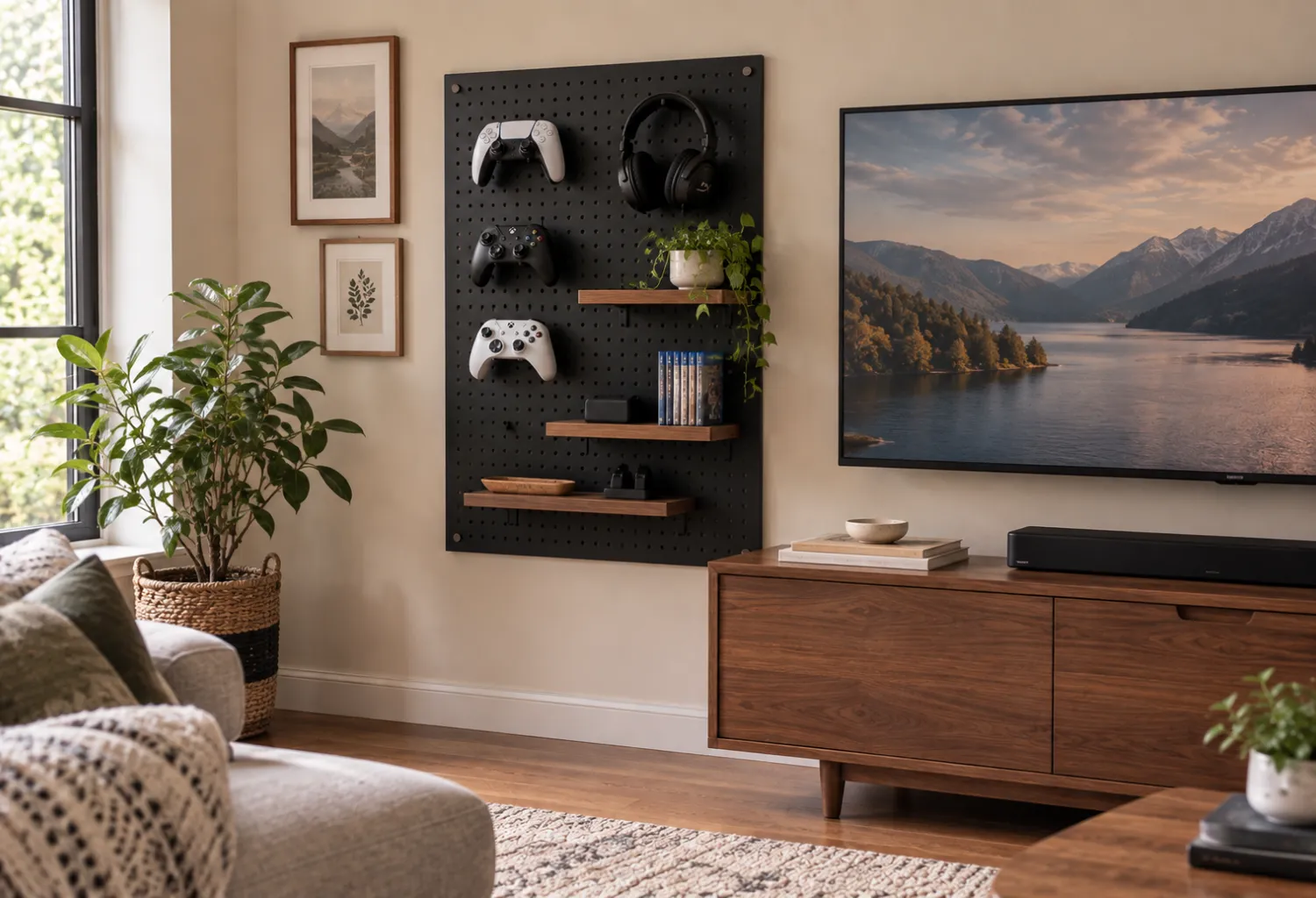
A small pegboard can turn an otherwise unused section of wall into organized gaming storage.
Use hooks for headphones and controllers, with small shelves for accessories. Keep the board relatively compact so it feels like part of the room rather than a workshop.
A black or dark wood pegboard can complement a modern media wall, while a white version works nicely with lighter interiors.
10. Storage Ottoman for Controllers
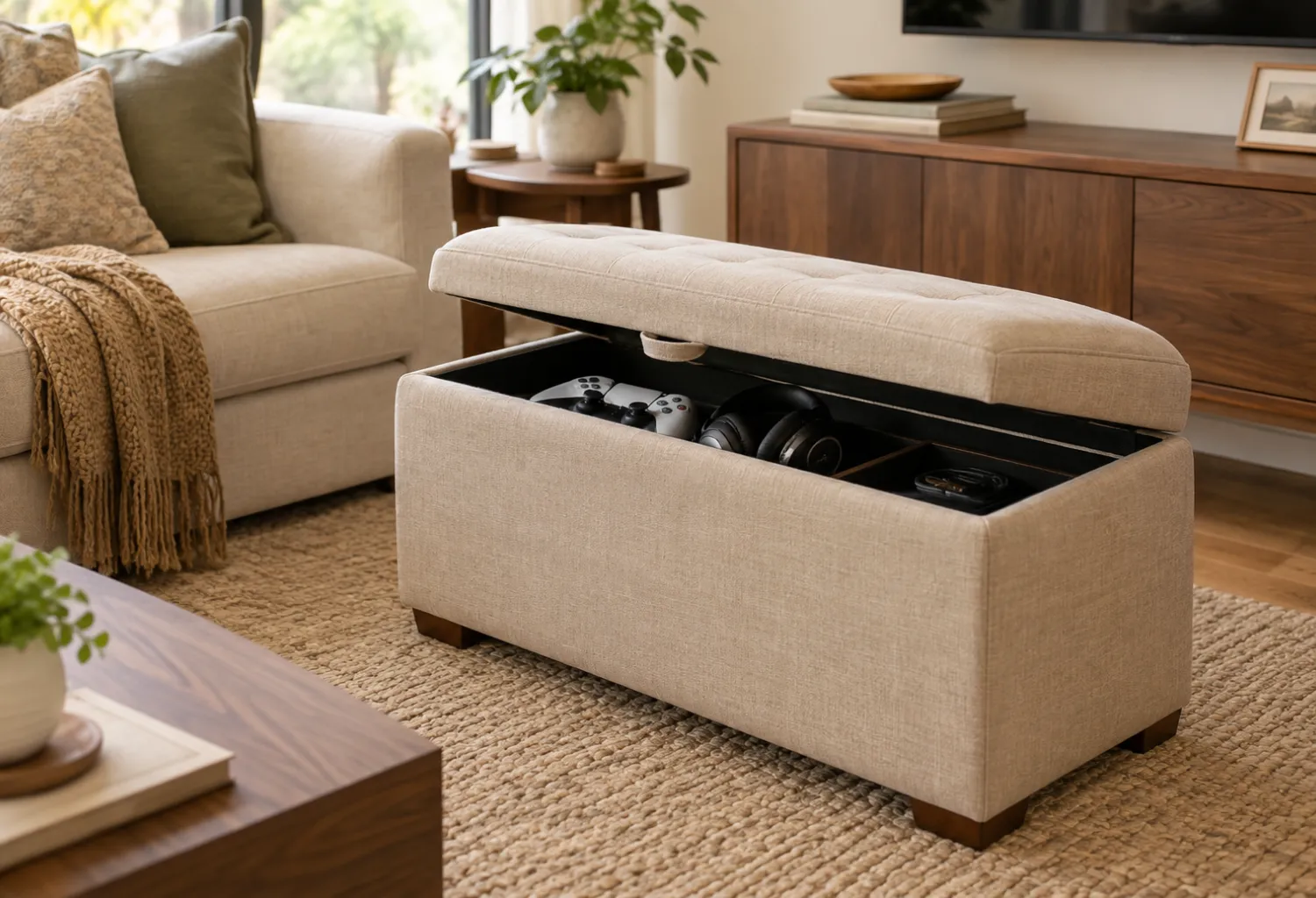
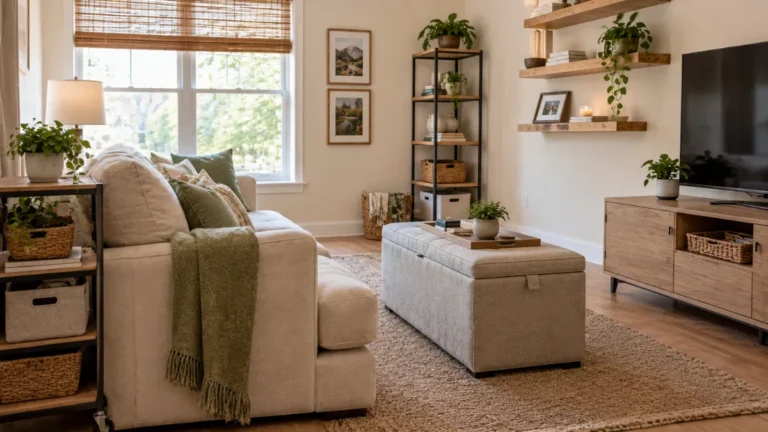
A storage ottoman can perform two jobs in a living room: extra seating or a footrest and concealed gaming storage.
Choose one with a hinged or removable top and use the interior for controllers, headsets, and smaller accessories. Soft upholstery helps the piece blend with sofas and accent chairs.
This is particularly practical in apartments or smaller rooms where every piece of furniture needs to earn its floor space.
11. Cube Shelving Gaming Station
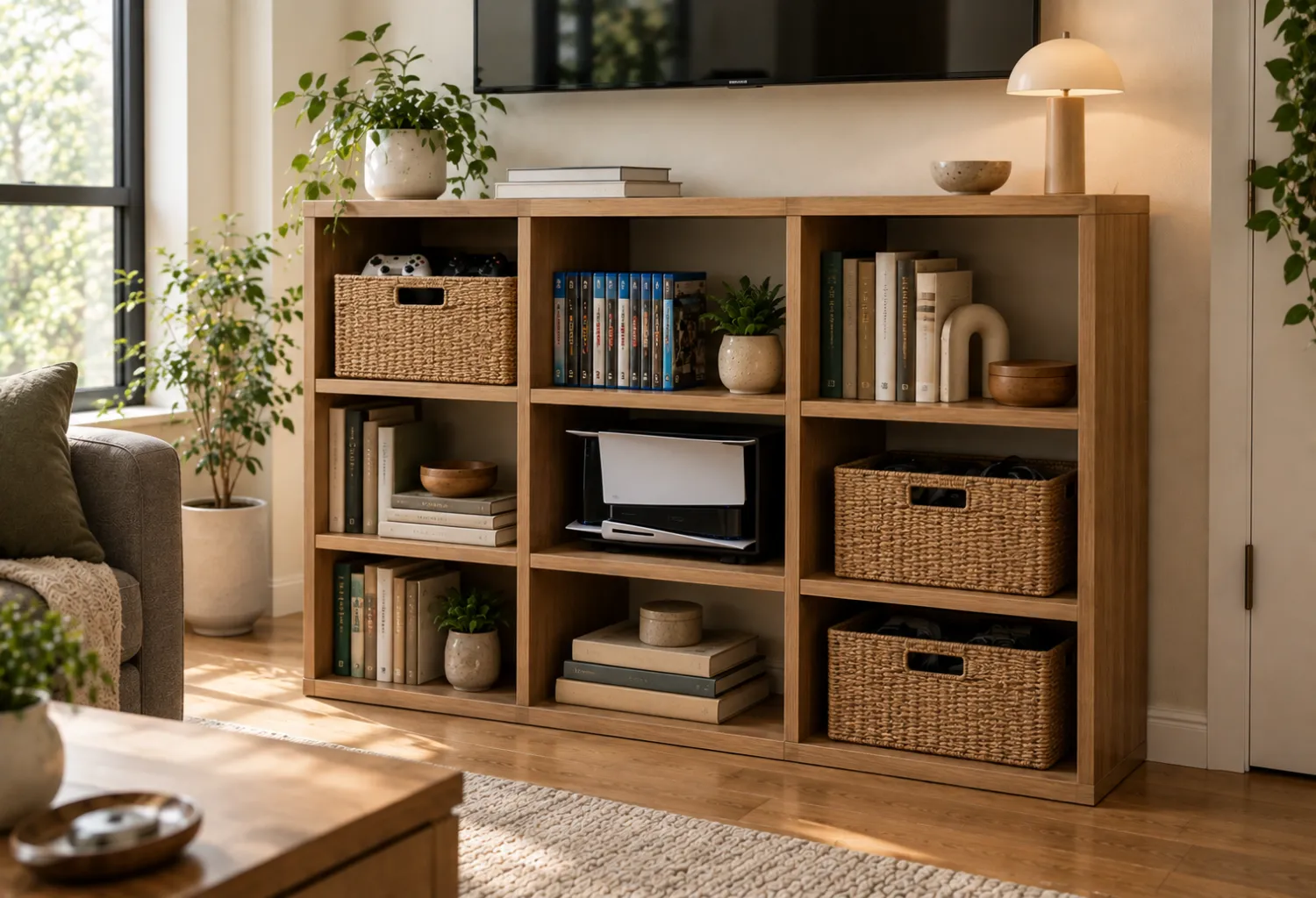
Cube shelving provides flexible compartments for both decorative items and gaming equipment.
Place the console in one open cube, games in another, and baskets in the remaining compartments. You can balance the gaming equipment with books, framed artwork, and a few decorative objects so the shelving feels like living-room furniture.
Avoid filling every cube. Leaving some open space keeps the arrangement from looking visually heavy.
12. Hidden Headset Hook
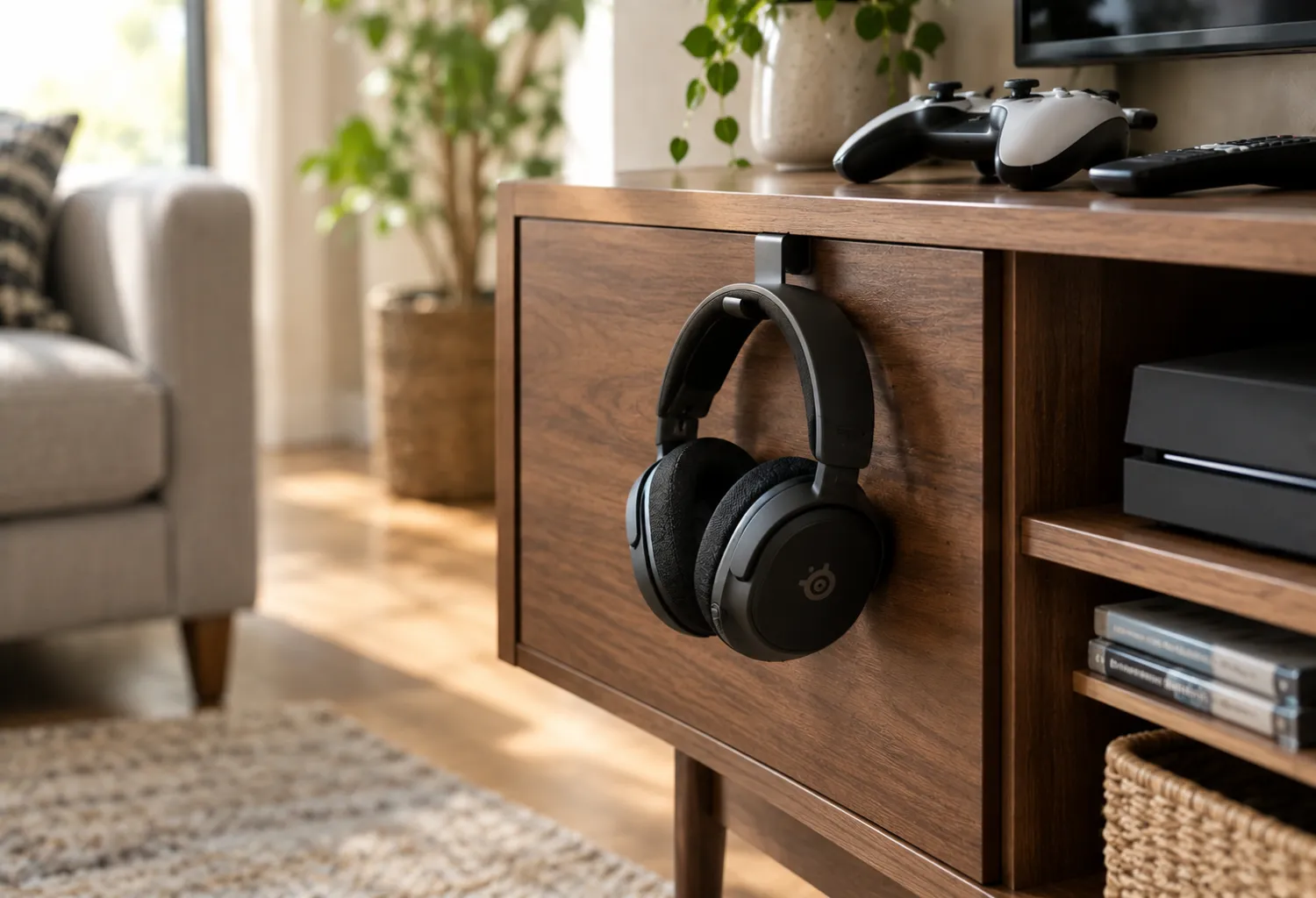
Gaming headsets are awkward to store because they are too large for many drawers but too messy to leave on a table.
A small hook mounted underneath the media cabinet can keep a headset off the floor and coffee table. If you prefer not to drill into furniture, adhesive hooks can work for lightweight headsets when installed according to the manufacturer’s instructions.
Position the hook toward the side of the cabinet so the headset remains accessible without becoming the visual focal point.
13. Cable Management Box
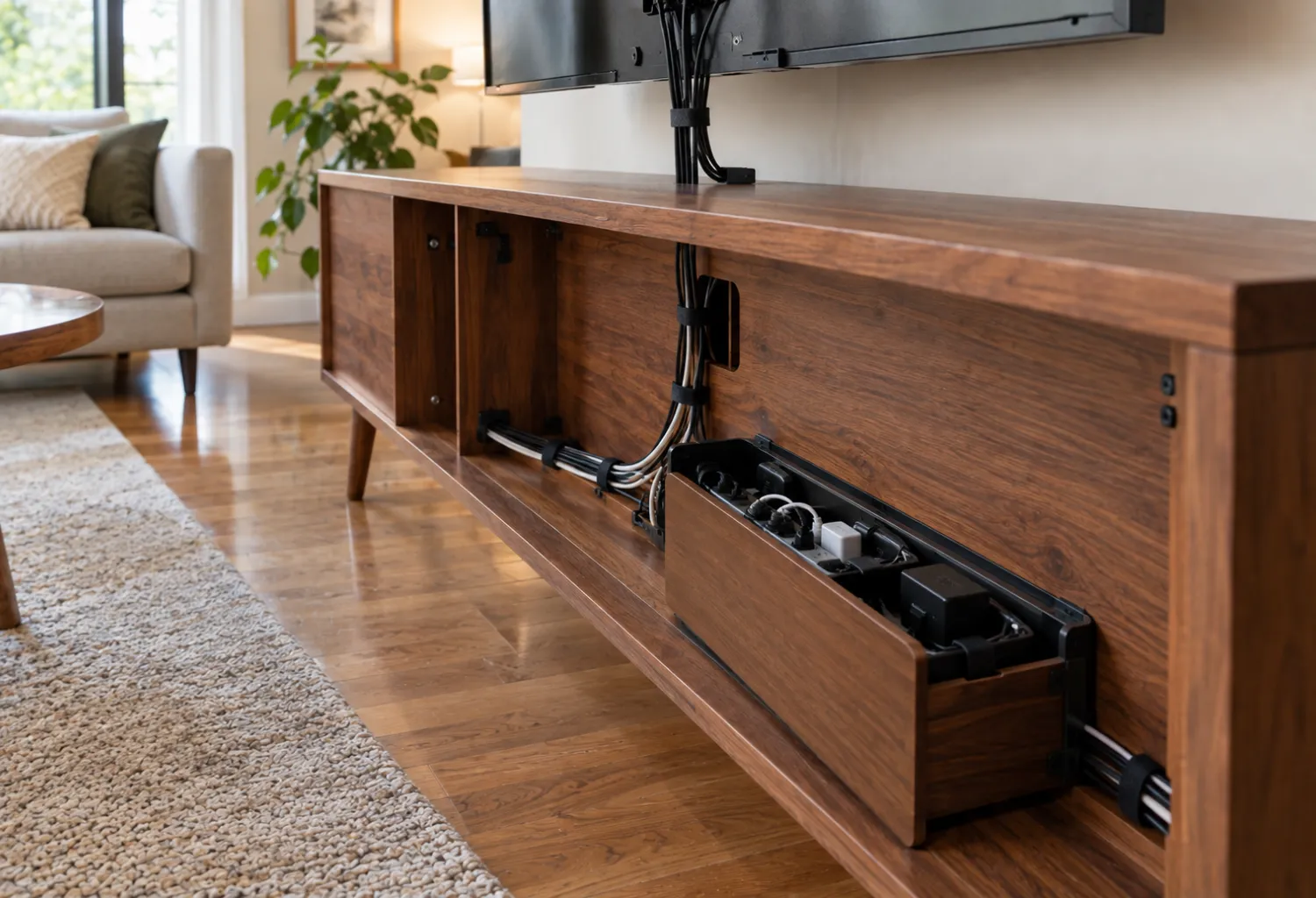
Even an attractive entertainment center can look messy when several black cables hang behind it.
A cable management box can conceal excess power cords and adapters while keeping them gathered in one location. Use short cable ties or reusable hook-and-loop straps to separate individual cables.
Labeling both ends of important cables is especially helpful when multiple consoles share the same television.
14. Pull-Out Console Shelf
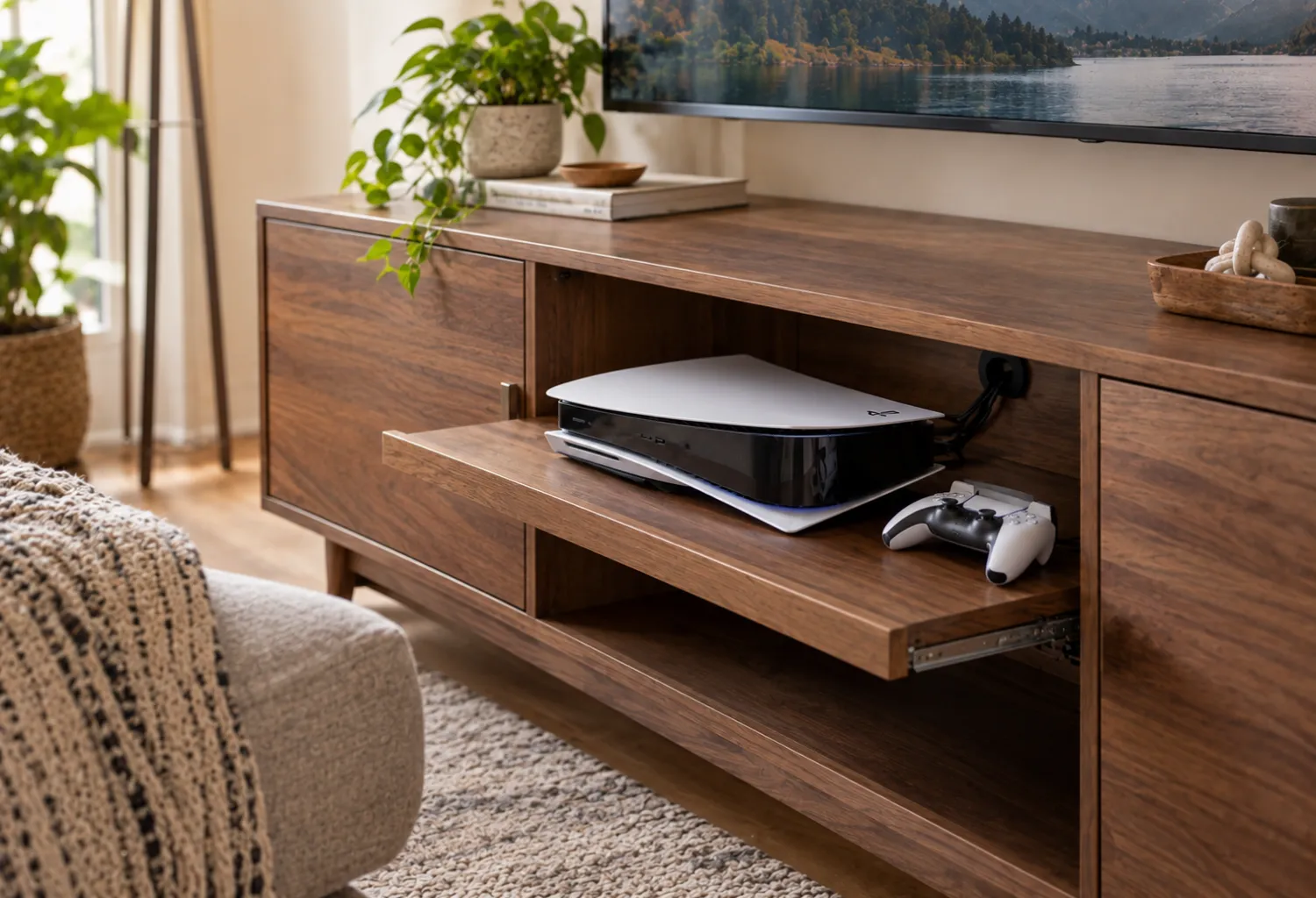
A pull-out shelf makes a good solution when the console needs airflow but you want to keep it inside a cabinet.
The shelf allows the system to slide forward when necessary while remaining neatly stored when not in use. It can also make access to USB ports and other connections easier.
This setup is especially useful for media cabinets where the interior space is deeper than the console itself.
15. Dedicated Controller Drawer
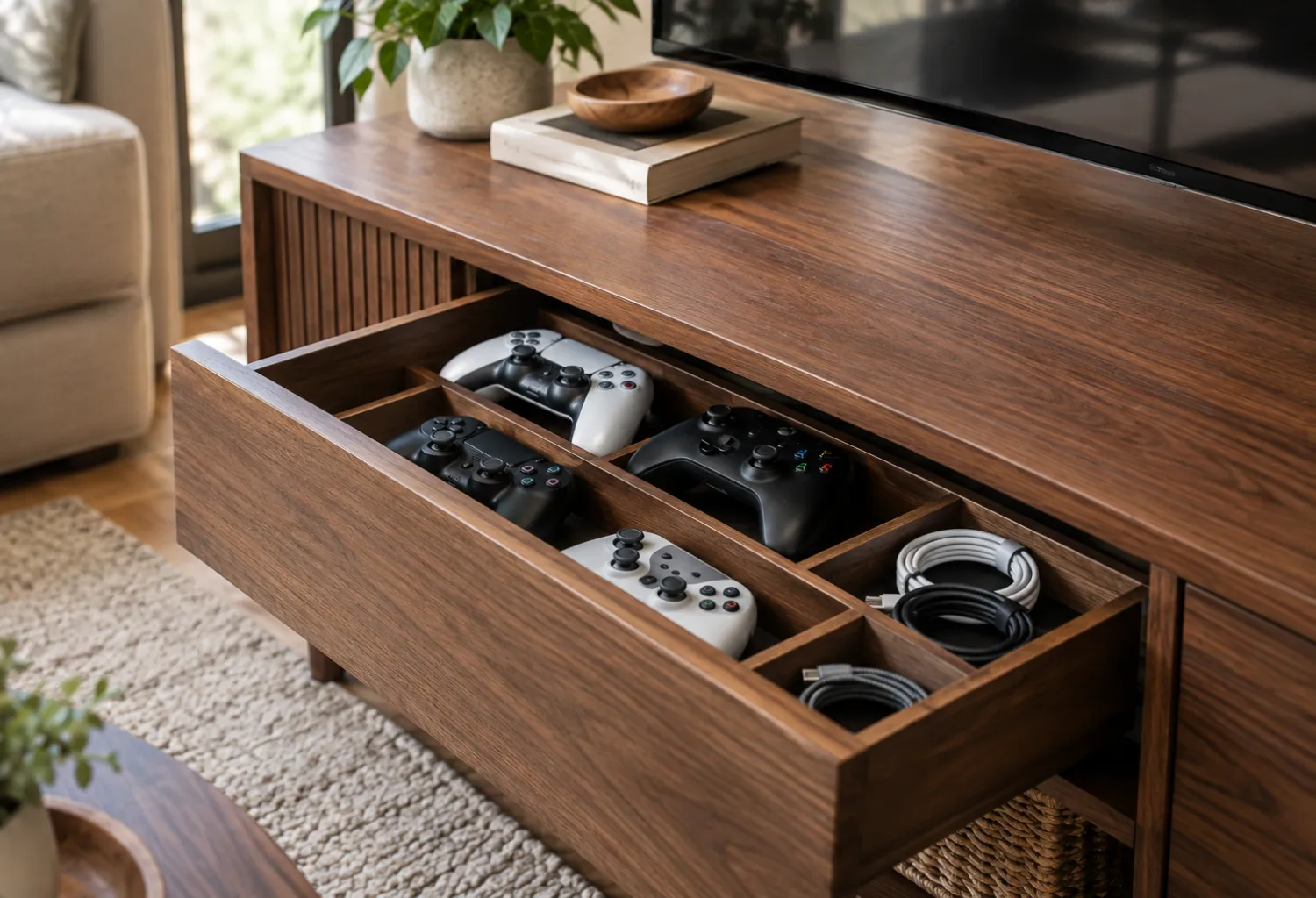
A shallow drawer beneath the television can become a simple home for all controllers.
Use drawer dividers to give each controller its own section and reserve a smaller compartment for charging cables. Keeping the controllers separated prevents them from scratching against one another and makes them much easier to grab.
A drawer also keeps the entertainment area looking clean when guests are visiting.
16. Game Storage Behind the TV Wall
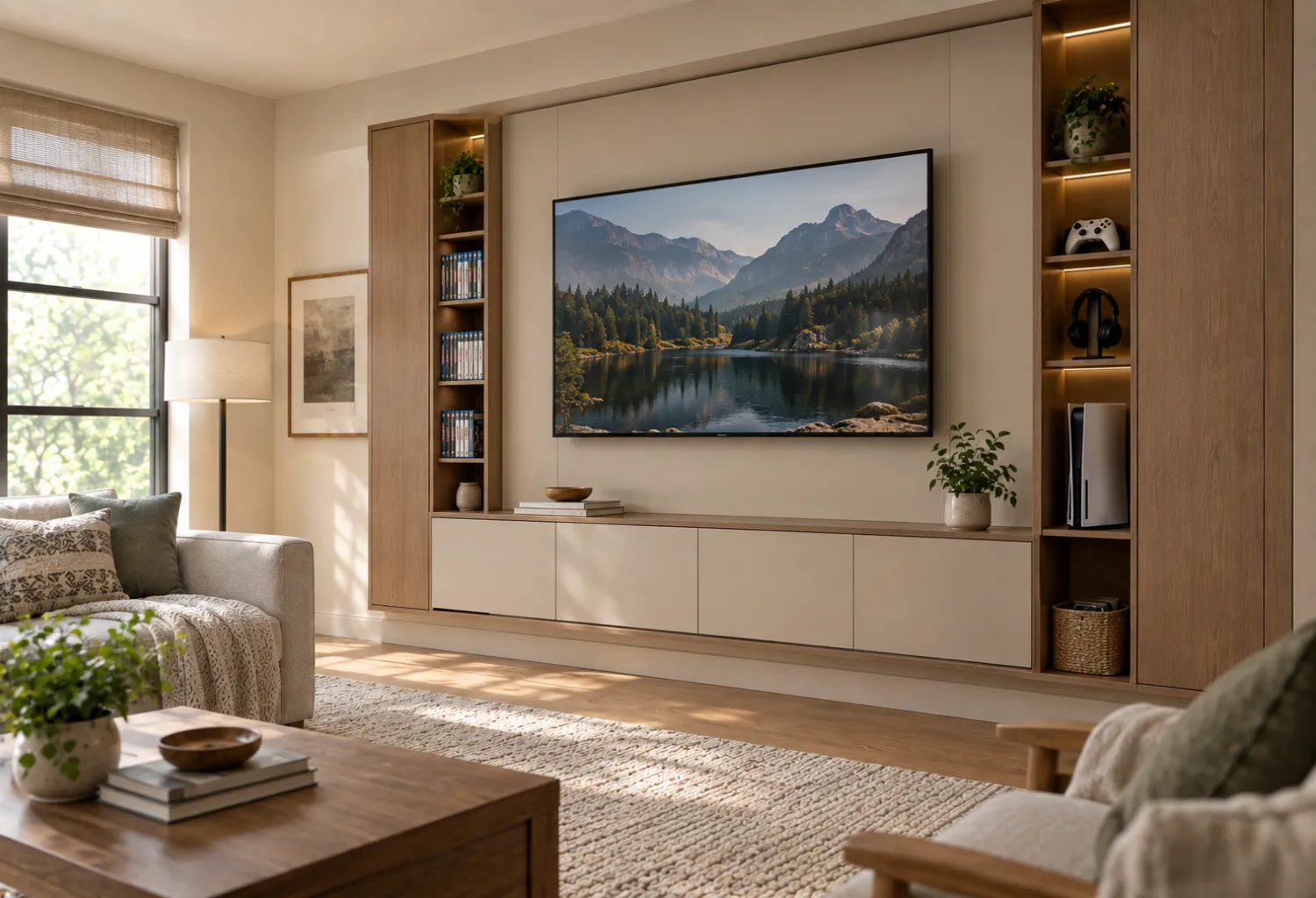
If your living room has a built-in media wall, use some of the less obvious storage space around the television for games and accessories.
Slim cabinets on either side of the TV can hold game cases, controllers, and headsets without adding another piece of furniture to the room. Matching the cabinet finish to the wall helps the storage visually disappear.
This works particularly well in contemporary interiors with built-in cabinetry.
17. Rolling Gaming Storage Cart
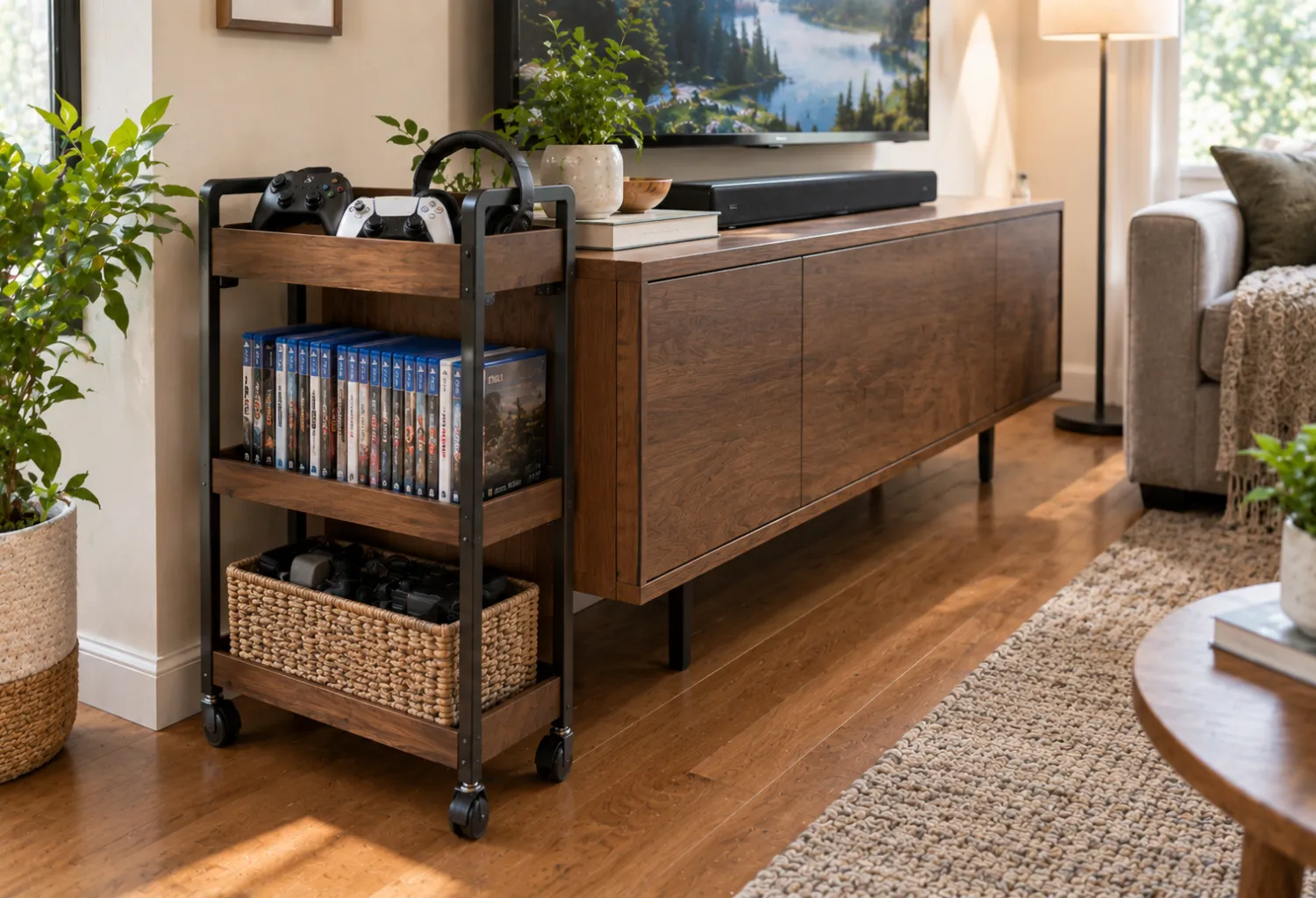
A narrow rolling cart can provide flexible gaming storage without permanently occupying one section of the room.
Keep the console accessories, controllers, games, and headphones together on different levels. When gaming is finished, the cart can roll beside the media cabinet or into a nearby storage area.
Choose a wood-and-metal design for an industrial room or a simple white cart for a lighter contemporary space.
18. Matching Decorative Boxes
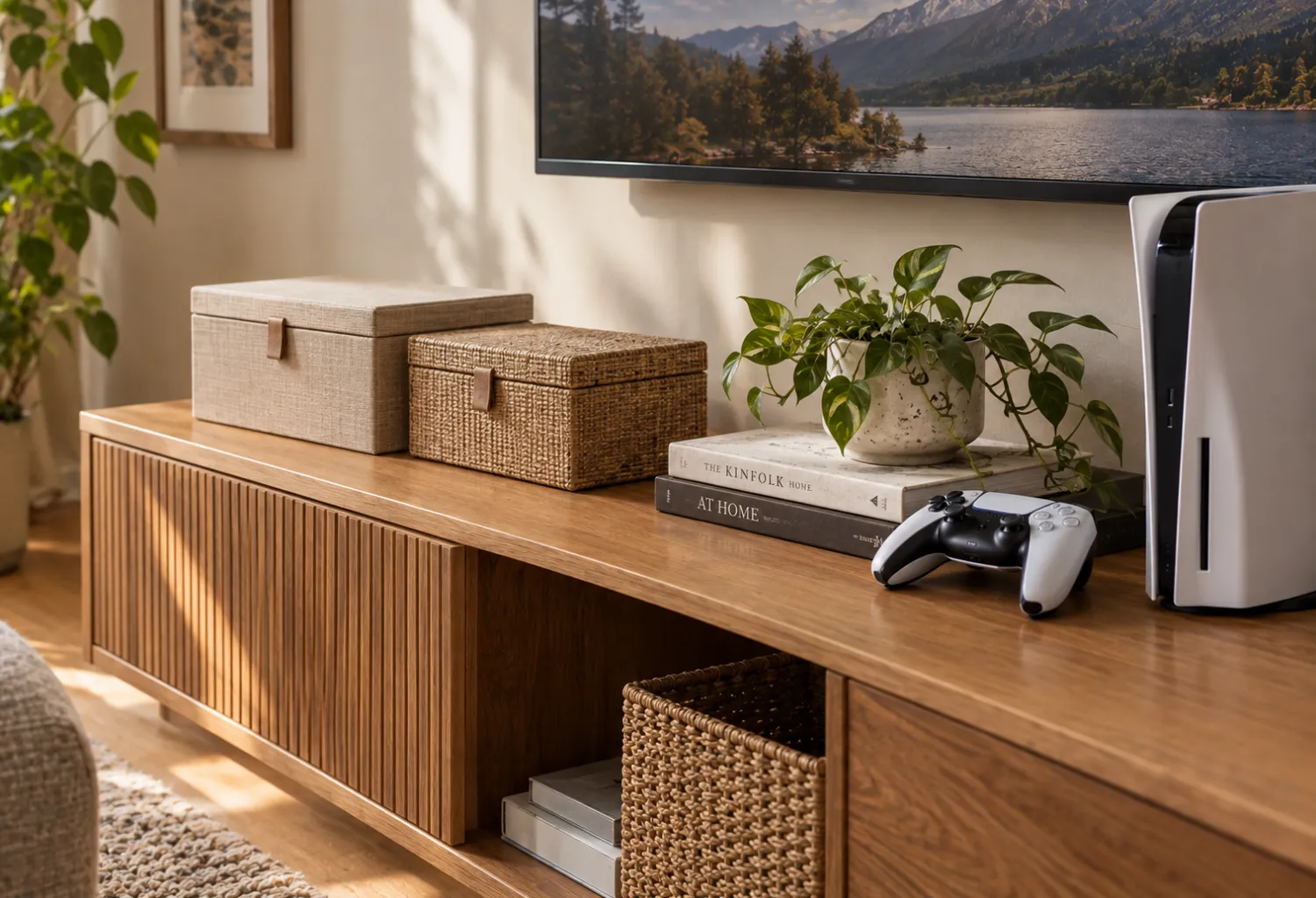
Decorative boxes are an easy way to hide smaller gaming accessories while maintaining a cohesive living-room aesthetic.
Use lidded boxes for extra controllers, cables, memory cards, and other equipment that you do not need every day. Place them on a media shelf beside books or other accessories.
Boxes with linen, woven, or matte finishes generally look more residential than brightly colored plastic containers.
19. Under-Shelf Controller Hooks
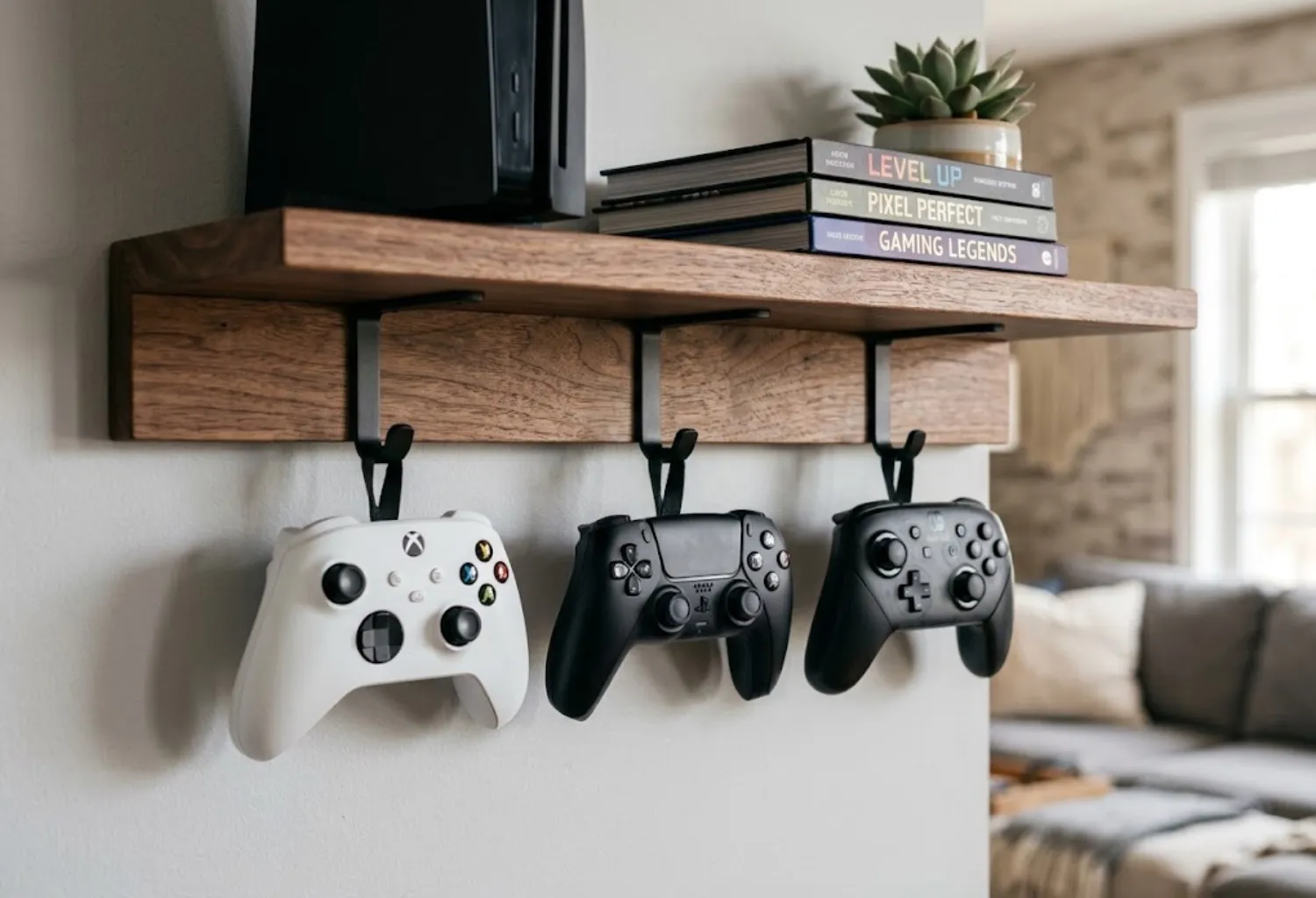
The unused underside of a media shelf can provide surprisingly useful storage.
Small hooks can hold controllers beneath a shelf while keeping the top surface available for the console or decorative accessories. This makes the controllers easy to grab without adding another cabinet or basket.
Keep the hooks evenly spaced so the arrangement looks deliberate rather than improvised.
20. Multi-Console Organized Cabinet
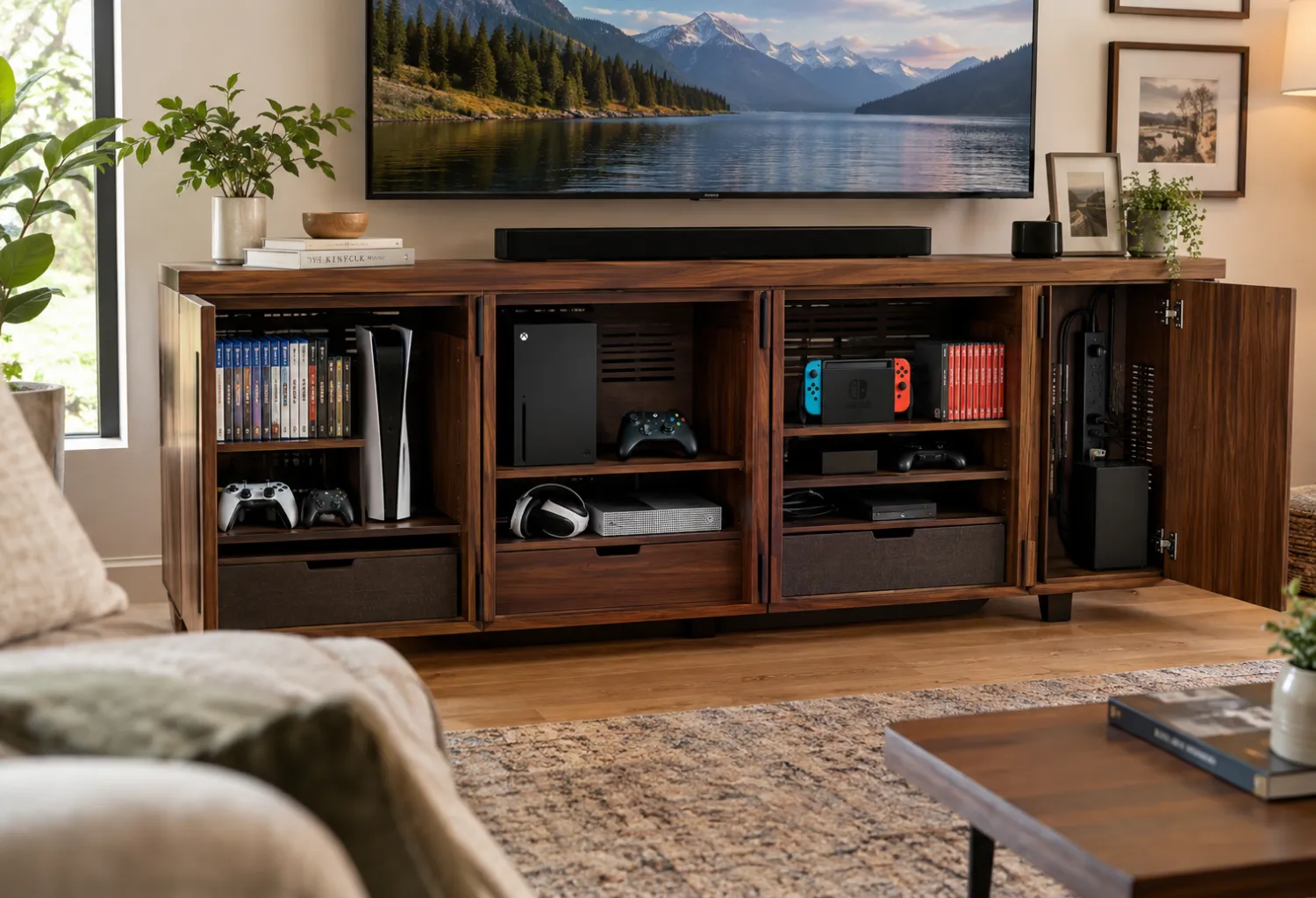
For households with several gaming systems, a larger organized cabinet can keep the entire collection together.
Assign a specific area to each console and leave room for ventilation around the equipment. Use dividers for game cases, a drawer for controllers, and a cable-management section for power adapters and HDMI cables.
The key is to organize by function rather than simply putting everything into the biggest available cabinet. When every item has a designated home, resetting the living room after a gaming session becomes much easier.
Conclusion
The best Game Console Organization Ideas For Living Room setups balance gaming convenience with the way you actually use the room. A closed media cabinet may be ideal for a minimalist space, while open shelving or a rolling cart can work better for households that play every day.
Think about what creates the most clutter in your own setup—controllers, cables, game cases, or accessories—and choose storage that solves that specific problem first. The goal is not to hide every sign of gaming, but to give everything a logical place while keeping the living room comfortable and attractive.